
How Skim Recap works, from a flick to a local recap
The whole product is one gesture: you scroll past something faster than you can read it, and a card hands that passage back. This page is the long version of the shipping build — what triggers it, what the popup controls, and why the two layouts come from a single generation rather than two.
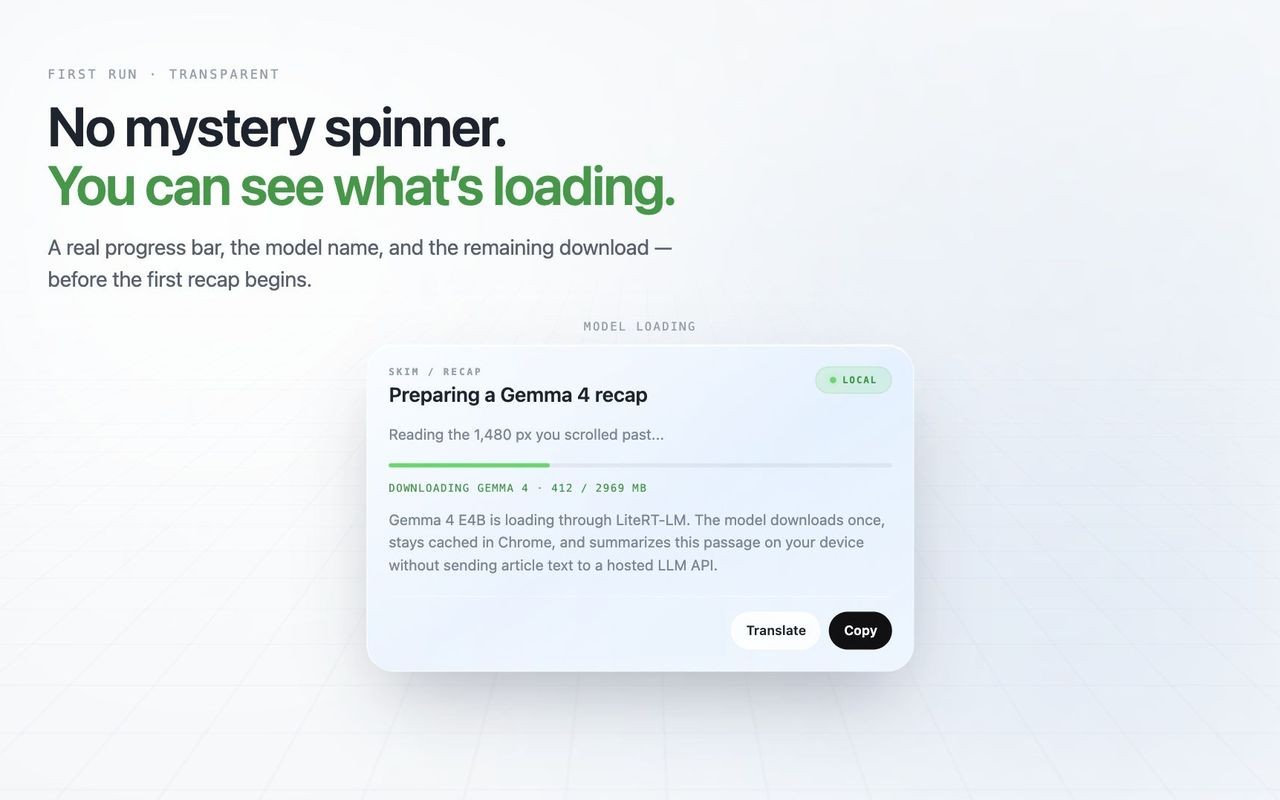
Catch what you scrolled past
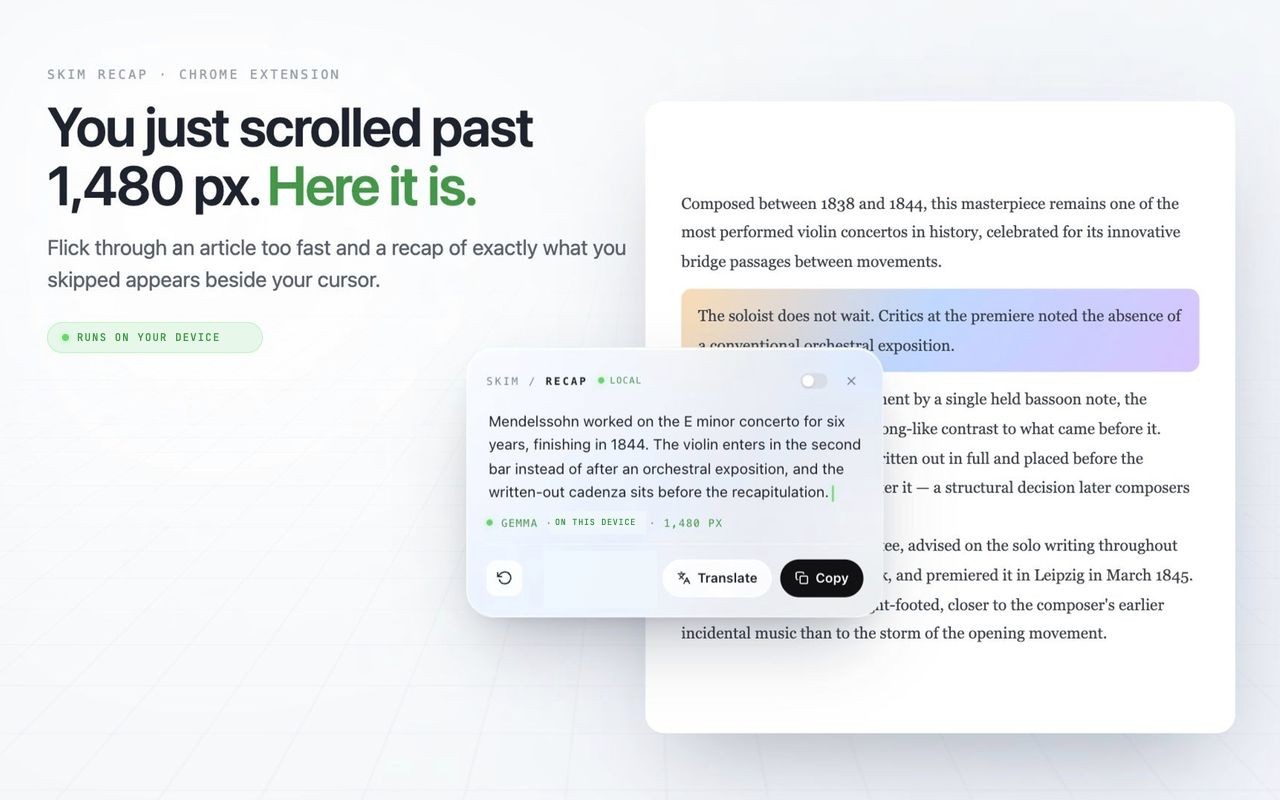
Skim Recap is a Chrome extension that detects fast scroll gestures, estimates the passage you skipped, and displays a compact recap beside your cursor using Gemma 4 E4B through LiteRT-LM.
It is designed for long articles, documentation, essays, and research posts where you want to skim quickly without losing the thread of the page.
Local-first runtime profile
| Metric Parameter | Default | Skim Recap | Result |
|---|---|---|---|
| Scroll Trigger | Manual reread | Fast scroll detection | Automatic |
| Summary Range | Whole page | Skipped passage only | Focused |
| Runtime | Hosted API | Gemma 4 E4B · LiteRT-LM | On device |
| Model Setup | Every request | Download once, cache locally | Reusable |
Cursor-native recap flow
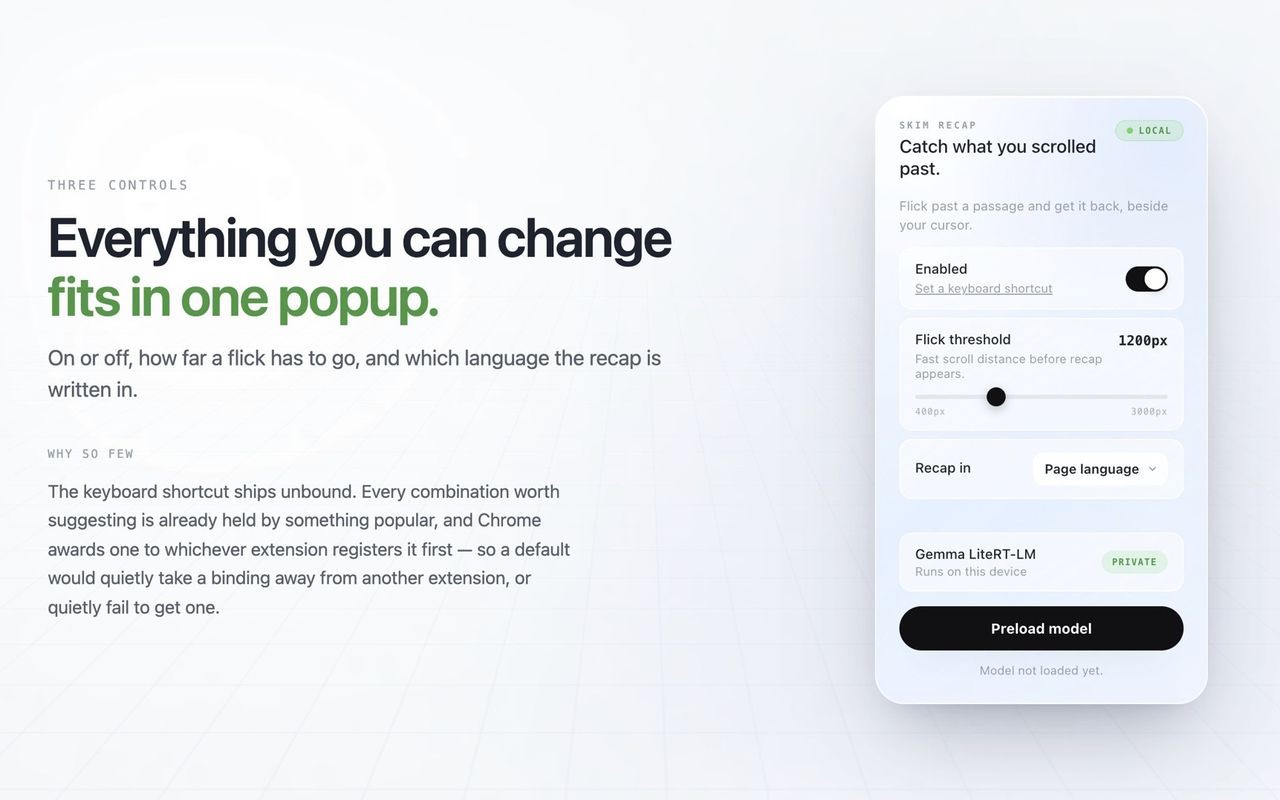
The extension runs from a small popup with an enabled toggle, adjustable flick threshold, and a model preload action. Once active, the recap panel appears near the cursor so the reader stays in place.
Each card covers one flick and not everything above it: flick to 4,000 px and you get those 4,000 px, flick again to 8,000 and the second card is of the new 4,000, not of 8,000. The number on the card is that difference. How much of a flick actually reaches the model, and where that stops being all of it, is measured in What one flick actually covers.
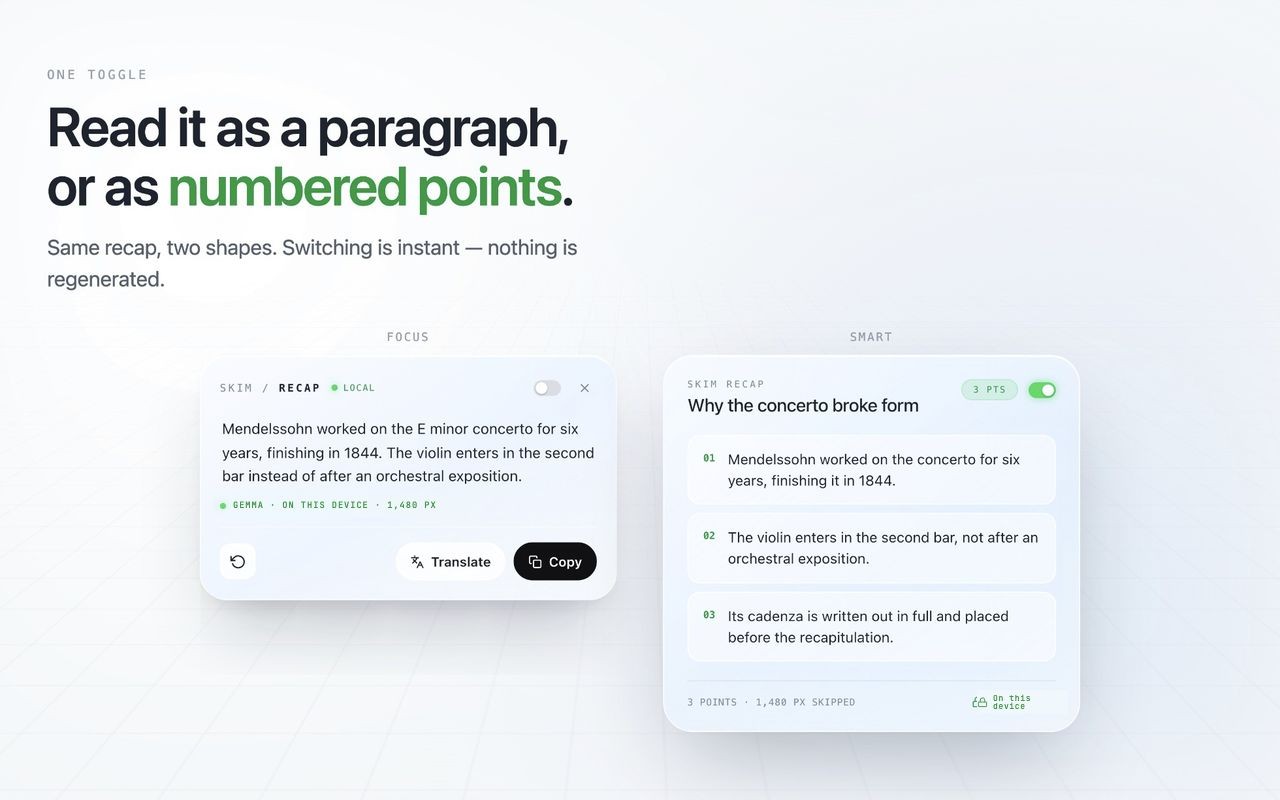
The panel carries the local model status, a copy action, and a layout toggle. Focus renders the recap as one paragraph, Smart as numbered points — the same generated text, reshaped, so switching costs nothing and never re-runs the model.
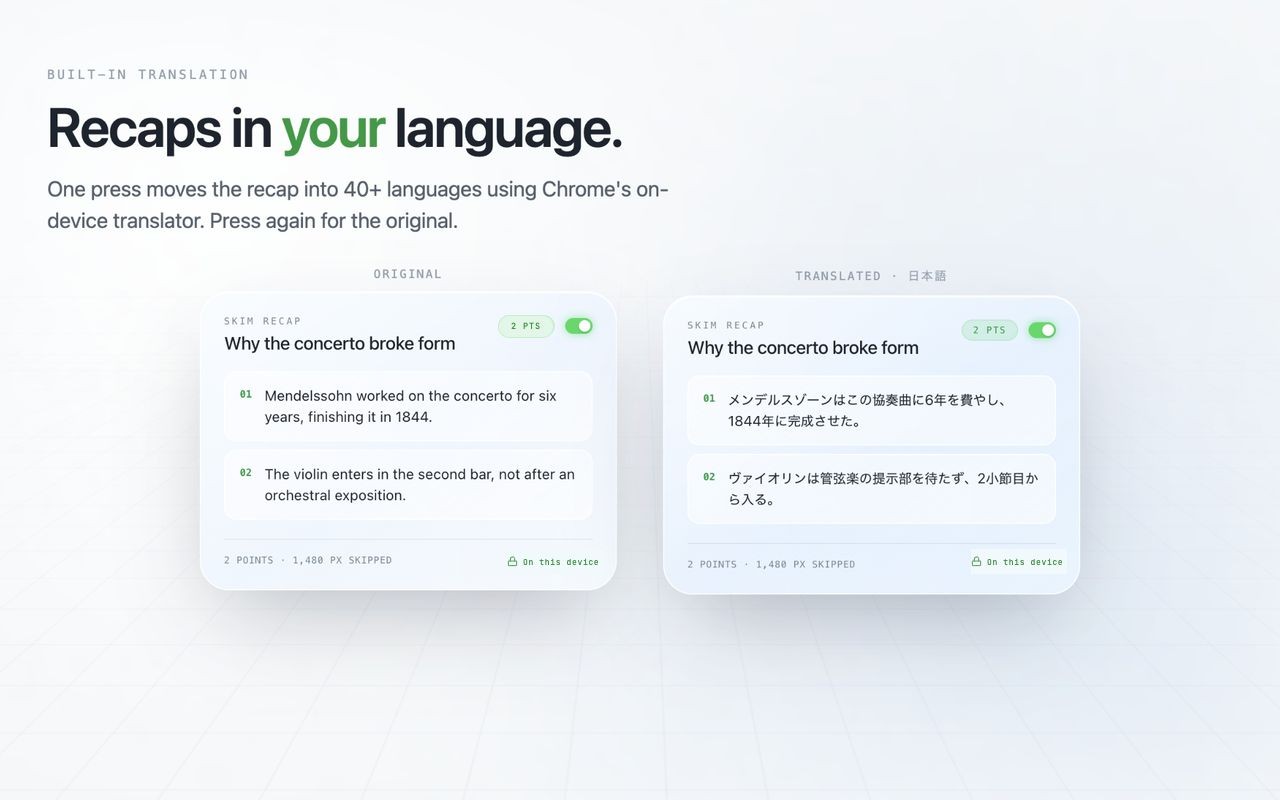
A second action moves a finished recap into another language using Chrome’s on-device Translator, and back again. The recap can also be written directly in a chosen language, generated in one pass rather than summarised and then translated.
When the recap names something you don’t know
A recap is fenced to the passage on purpose — adding anything the article never said would misrepresent what you scrolled past. That is also why it cannot help when the thing you did not follow is a term the page used without defining. It can name it three times and never say what it is, because the page never did.
v0.4 answers that by letting you select the term and press Feynman. That release also rewrote how a recap decides its own length, and is written up in v0.4: point at the word, and a recap that knows when to stop.